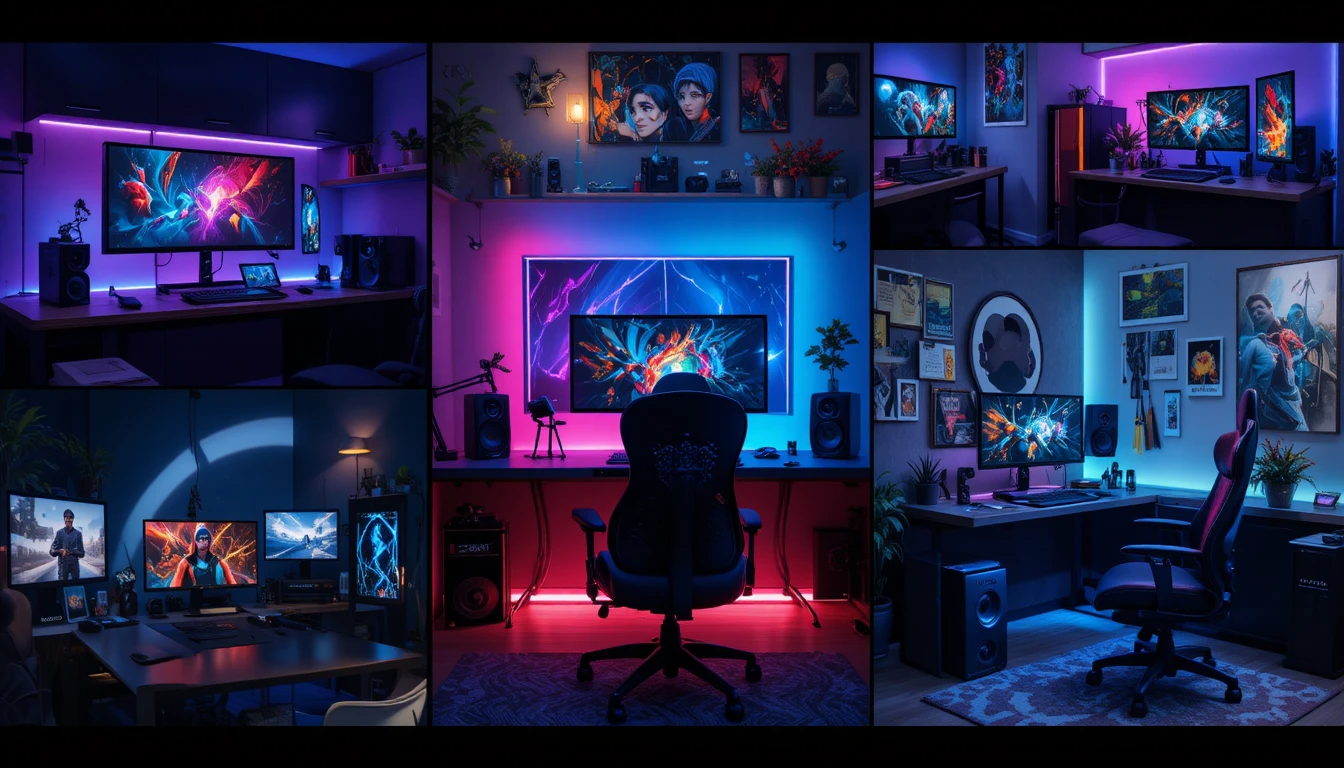
Creating the ideal gaming room requires more than slapping a desk and monitor into a corner. A well-designed space balances aesthetics, ergonomics, audio‑visual performance, and efficient use of space so every session is immersive, comfortable, and productive. For a closer look, see 2070 Super.
Start by defining your primary use: competitive gaming, single‑player immersion, couch co‑op, streaming, or content creation, as that will determine priorities for displays, input devices, acoustics, and seating. Measure the room and plan power and network locations early: proper outlet placement, a dedicated circuit for high-draw equipment, and a wired Ethernet run, or a strong Wi-Fi mesh node make a big difference in reliability.
Think about sightlines and seating distances relative to screen size and curvature to minimize eye strain and maximize immersion. Incorporate layered lighting and blackout options to control glare and set the mood, and add acoustic treatment (rugs, panels, bookshelves) to reduce reflections and improve voice clarity for streaming or team voice chat.
| Category | Details | Key Insights |
| Main Concept | Gaming room setup | Combines performance, comfort, and aesthetics |
| Room Size | Small, medium, large | Determines layout and equipment capacity |
| Layout Planning | Desk positioning, screen placement | Improves ergonomics and immersion |
| Desk Type | Standard, L-shaped, adjustable | Supports organization and flexibility |
| Chair | Ergonomic gaming chair | Essential for posture and long sessions |
| Display Options | Single, dual, triple, ultra-wide | Affects multitasking and immersion |
| Monitor Features | High refresh rate, low response time | Enhances gaming performance |
| Lighting Setup | RGB strips, LED panels, and ambient lighting | Improves mood and reduces eye strain |
| Audio System | Headset, speakers, surround sound | Creates an immersive experience |
| Cable Management | Clips, sleeves, cable trays | Keeps the setup clean and organized |
| Storage Solutions | Shelves, drawers, wall mounts | Maximizes space efficiency |
| Smart Features | Voice control, smart lighting | Adds convenience and automation |
| Internet Setup | High-speed wired connection | Critical for online gaming stability |
| Cooling & Ventilation | Fans, airflow management | Prevents overheating of equipment |
| Accessories | Keyboard, mouse, controller | Improves control and precision |
| Aesthetic Design | Minimalist, themed, RGB | Personalizes the setup |
| Budget Range | Budget to premium setups | Impacts quality and features |
Gaming Room: Plan Before You Buy
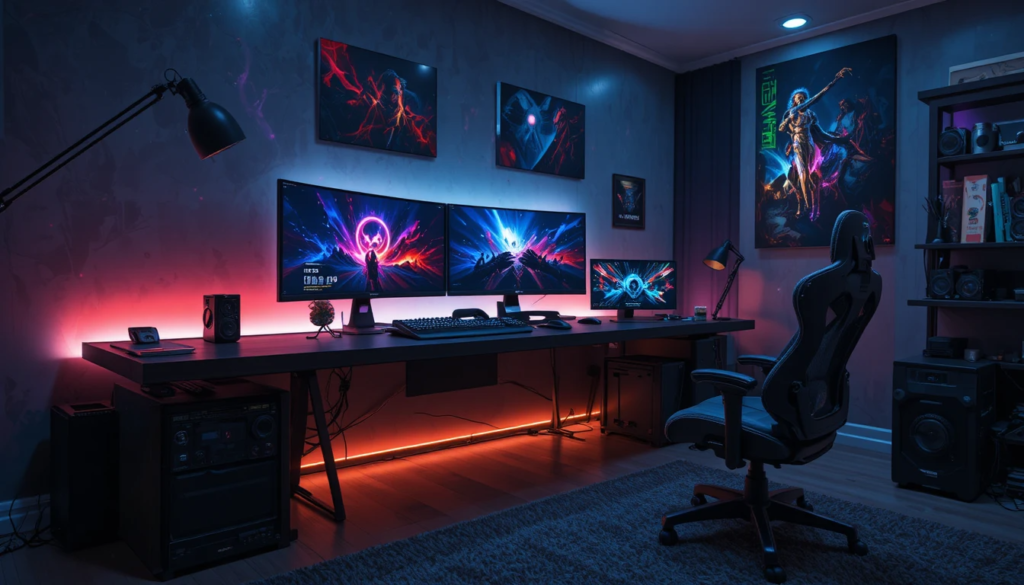
Assess your needs
Determine whether you primarily play competitive esports, single-player story games, simulate racing/flights, stream, or create content. Each use case has different space and equipment requirements.
Measure the space
Note wall lengths, ceiling height, window placement, and power outlet locations. These measurements shape furniture choices and cable routing.
Budget allocation
Divide your budget across core categories—display and GPU, audio, seating and ergonomics, lighting, and décor. Prioritize what impacts your experience most.
Room Layout and Zoning
Here it is converted into bullet points:
- Good zoning separates functions and keeps the room tidy.
- Primary zone: the main gaming desk or console area — where the screen, input devices, and primary audio sit.
- Secondary zone: seating for social play or relaxation (sofa or recliner), streaming backdrop, or storage.
- Utility zone: shelving, cable hub, and charging station — keep frequently accessed items within reach but out of sight.
Display and Visuals
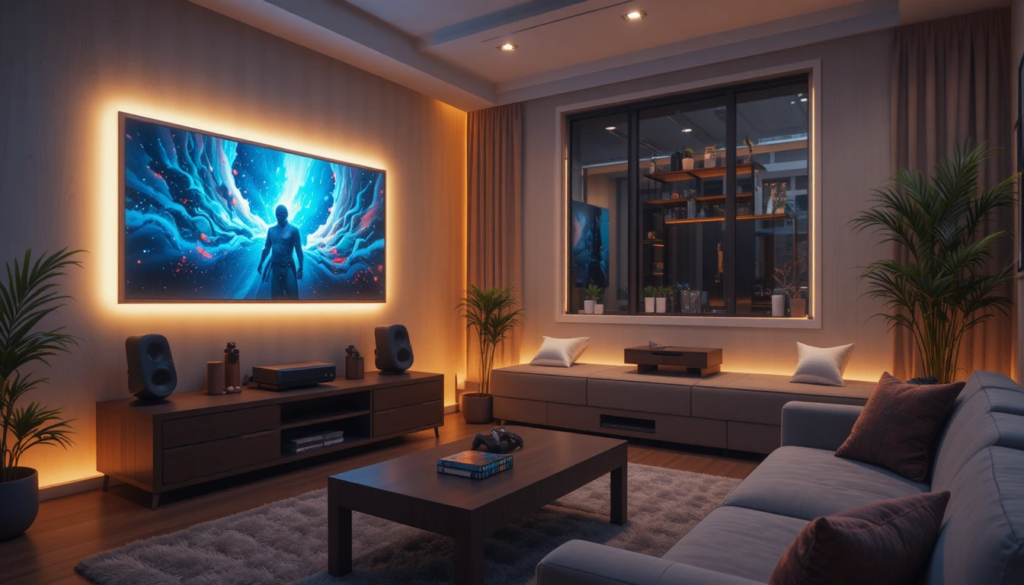
Choose the right display.
For competitive play, prioritize high refresh rates and low input lag; for cinematic immersion, prioritize size and resolution. Ultrawide or dual-monitor setups are ideal for multitasking and simulators; a large curved screen delivers immersion in single-player and racing titles.
Mounting
Wall mounts or monitor arms free up desk space and allow precise positioning for optimal ergonomics.
Cable management
Use raceways, clips, and under-desk trays to keep cables organized and hidden from sight.
Seating and Ergonomics
Invest in a proper chair: a supportive gaming or ergonomic office chair with adjustable lumbar support, armrests, and seat height will reduce fatigue during long sessions. Make sure desk height and depth are correct so your keyboard and mouse sit at a comfortable level for your forearms (typically parallel to the floor); for large monitors, allow at least 20–24 inches between your eyes and the screen.
Lighting Design
- Layered lighting: combine ambient, task, and accent lighting — dimmable overheads set the mood, desk lamps reduce eye strain, and LED accent strips highlight décor and provide soft bias lighting behind displays.
- Color temperature: cooler tones (5000K) are crisp for esports and detailed work; warmer tones (2700–3500K) create a cozy, cinematic atmosphere.
- Avoid glare: position lights and windows to prevent reflections on your screen; use blackout curtains or blinds where necessary.
Acoustics and Audio Setup
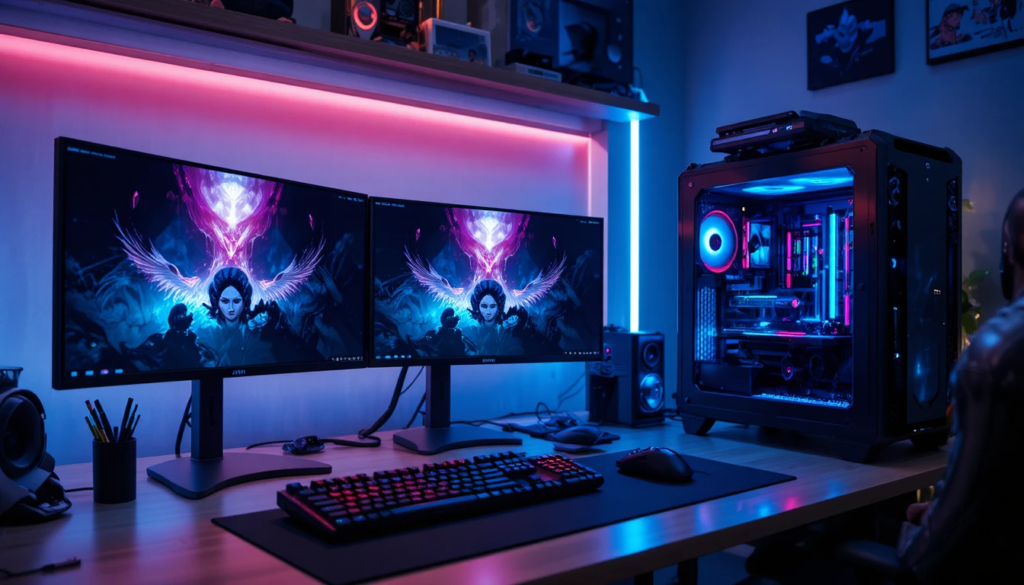
Speaker vs. headset
Use high-quality headphones for competitive play to localize sound precisely; speakers or a soundbar work well for social or cinematic sessions.
Treat the room
Add rugs, acoustic panels, bookshelves, or curtains to reduce echo and tame high frequencies.
Microphone placement
If you stream or chat, use a boom arm and a pop filter, positioned close to your mouth, to improve clarity and reduce background noise.
Performance Hardware and Cooling
Choose the right components by matching your GPU and CPU to your target resolution and frame rate. Competitive players often prioritize higher refresh rates at 1080p. At the same time, those seeking immersion may aim for 1440p or 4K.
For storage and memory, fast NVMe SSDs and 16–32GB of RAM reduce loading times and improve multitasking. Maintain good thermal management with adequate case fans, positive-pressure airflow, and clean filters; consider custom cooling or an AIO cooler if you plan to overclock.
Smart Space Optimization
- Vertical storage: Use wall shelves, pegboards, and floating cabinets to store controllers, headsets, and accessories without eating floor space.
- Modular furniture: pick desks with cable pass-throughs, adjustable height, or attachable shelves for flexibility.
- Hidden storage: ottoman benches or built-in cabinets keep clutter out of sight for a cleaner look.
- Multi-use surfaces: a small side table can serve as a streaming camera stand, snack station, or controller dock.
Aesthetic and Personalization
Theme and palette
Choose a color scheme and visual theme (retro, cyberpunk, minimalist) and apply it to walls, lighting, and accessories for a cohesive look.
Backdrops for streaming
Create a neat, branded area with interesting textures, LED accents, and tidy shelving to make your stream visually engaging.
Collectibles and art
Showcase figurines, posters, and in-game memorabilia in lit display cases or on floating shelves.
Plants and soft goods
Add greenery and soft textiles to soften the tech-heavy feel and improve air quality.
Safety and Maintenance
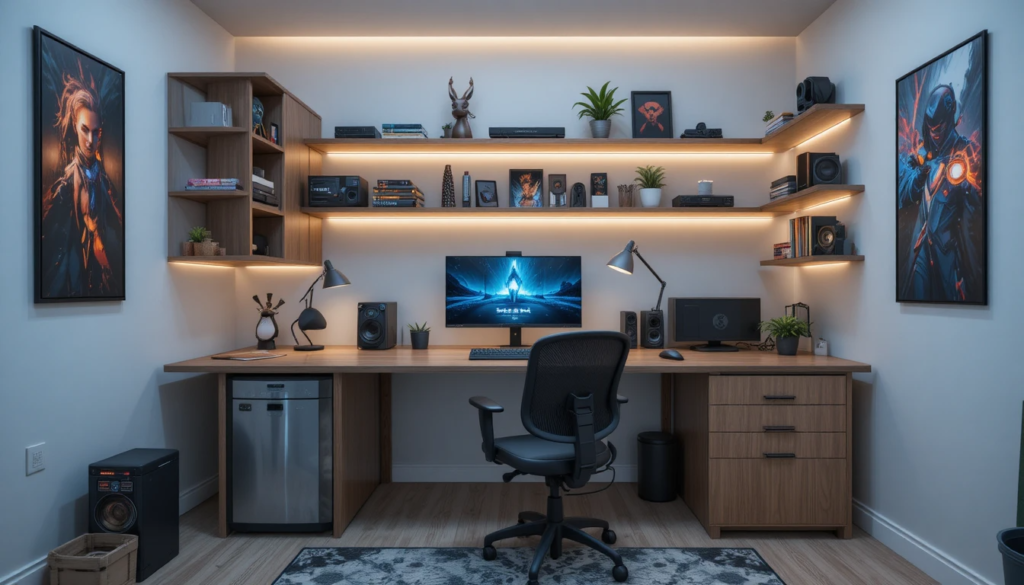
Regular cleaning is essential: dust filters, keyboards, and vents weekly to prevent overheating and premature component wear. Secure loose cables to avoid tripping hazards and accidental disconnections; follow fire and power safety practices; don’t daisy-chain surge protectors; and keep flammable materials away from hot components.
Common Setup Options
| Setup Type | Best For | Key Features | Typical Budget |
| Competitive rig | FPS/Esports | 240Hz+ monitor, low-latency mouse, high-refresh GPU | Medium–High |
| Immersive console/PC | Single-player, Sims | Large curved/ultrawide screen, good speakers, comfy seating | Medium–High |
| Streamer/content creator | Live streaming | Dual displays, capture card, studio mic, and lighting | High |
| Casual/compact | Small rooms | Space-saving desk, compact PC/console, multifunction furniture | Low–Medium |
Budgeting Tips
Prioritize experience
Spend first on the display, chair, and audio if those matter most to you.
Upgrade path
Buy a solid mid-range PC now and upgrade the GPU later; invest in a good chair early—hardware is easier to swap than comfort.
DIY where possible
Build acoustic panels, cable trays, or shelves to save money and tailor the room.
Checklist Before You Game
- Is the display at eye level and at a comfortable distance?
- Are cables safely managed and power protected?
- Is lighting adjusted to reduce glare and eye strain?
- Are the microphone and camera positioned for clear audio/video?
- Are cooling and airflow adequate for long sessions?
Conclusion
Designing the ultimate gaming room combines practical planning with creative choices. Whether you’re building a performance-focused rig for competitive play or a cozy entertainment den, prioritize ergonomics, audio-visual quality, and smart use of space.
Thoughtful lighting, thoughtful acoustics, and modular storage will keep your setup flexible as your needs evolve. With careful planning and a clear upgrade path, your gaming room will become a stylish, comfortable, and high-performing retreat tailored to your gaming style.
Want to know about Escape from Tarkov: How Pressure Becomes a Skill Check out our Gaming category.
FAQs
Invest in an adjustable, supportive chair with lumbar support; set desk height so forearms are parallel to the floor; position the monitor at eye level, and schedule regular breaks. Consider a sit-stand desk for variety.
Prioritize a GPU/CPU that matches your target resolution and frame rate, fast NVMe storage, and adequate RAM (16–32GB). Also, ensure good case airflow and a reliable power supply with surge protection or a UPS.
Yes—design flexible zones (primary console/PC area, secondary couch seating) and ensure your display and inputs support multiple sources (HDMI 2.1, multiple inputs, quick input switching).
Add a wired Ethernet connection, better speakers or a soundbar, acoustic panels, a capture card for streaming, and incremental GPU/CPU upgrades as needed. Prioritize early comfort upgrades (chair, desk).