Introduction
Mini printers are compact, portable devices that make printing easy and convenient. These lightweight, often battery-powered printers connect wirelessly to smartphones, tablets, and laptops, offering flexibility for quick access to printed documents, photos, labels, or stickers.
In various settings like business meetings, social gatherings, or travel. Unlike traditional desktop printers, mini printers are designed with portability in mind, making them easy to carry in a bag or even a pocket, depending on the model.
They’re an excellent choice for anyone looking to print without the hassle of a bulky setup.
Here’s a concise table summarizing the main points about mini printers:
| Category | Details |
| Introduction | Compact, portable devices for easy on-the-go printing. Often battery-powered with wireless connectivity to smartphones, tablets, and laptops. It is ideal for business, social events, and travel. |
| Mini Printers | Document Printers Photo Printers Label & Sticker Printers Pocket Printers |
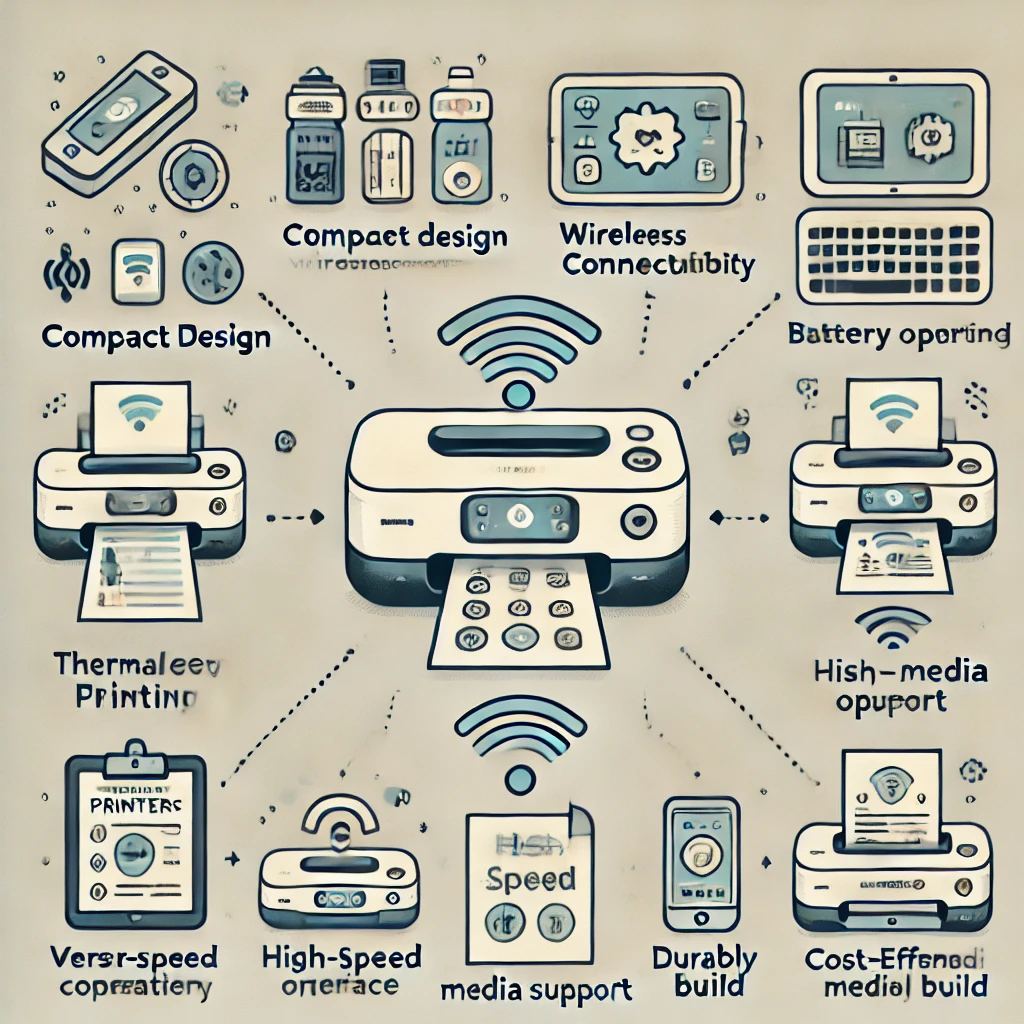
| Key Features | Print Quality, Connectivity (Bluetooth, Wi-Fi, USB), Battery Life, Printing Speed, Paper Compatibility. |
| Advantages | Portability, Versatile media options, Wireless printing, Instant print capabilities, Easy setup and use. |
| Battery Life | Rechargeable batteries with 50-500 pages per charge. |
| Printing Speed | Document Printers: Up to 10 PPM. Photo Printers: 30-60 seconds per photo. Label Printers: Multiple labels per minute. |
| Popular Models | HP OfficeJet 250, Canon IVY Mini Photo Printer, Brother PocketJet PJ773, Polaroid Hi-Print, DYMO LabelManager 280. |
The Rising Popularity of Mini Printers for Everyday Use
Mini printers have carved out a niche in the tech market by offering a compact and convenient printing solution for a variety of everyday needs. Unlike traditional desktop printers, these portable devices are lightweight, easy to connect wirelessly, and ideal for printing photos, labels, receipts, and quick documents on the go. Many mini printers utilize Bluetooth or Wi-Fi connectivity to sync seamlessly with smartphones and tablets, making them particularly popular among students, small business owners, and creative hobbyists. Their affordability and user-friendly features—such as app control and thermal printing technology—allow users to enjoy printing flexibility without the bulk or complexity of standard printers, reflecting a broader trend toward mobility and simplicity in personal tech accessories.
Mini Printers
Mini printers, or portable or mobile printers, are compact devices designed for easy portability. Unlike traditional desktop printers, these are small, lightweight, and often battery-operated, making them ideal for travel, business trips, and events.
They connect wirelessly to devices like smartphones, tablets, and laptops, providing flexibility and convenience.
Types of Mini Printers
- Mini printers come in different types, each catering to specific needs. Here are the main categories:
- Portable Document Printers
- Purpose: Designed to print documents on standard paper sizes.
- Use Case: Ideal for professionals who need to print contracts, reports, or invoices while on the go.
- Features: Often supports wireless connections like Wi-Fi and Bluetooth and may include rechargeable batteries.
- Portable Photo Printers
- Purpose: Created to print photos directly from smartphones or cameras.
- Use Case: Suitable for photo enthusiasts and social events, these printers produce high-quality photo prints quickly.
- Features: Use specialized photo paper; some even support editing features through connected apps.
- Label and Sticker Printers
- Purpose: Designed for creating labels, stickers, or receipts.
- Use Case: Widely used in retail, warehouse management, and personal organization.
- Features: Thermal printing technology is often used, eliminating the need for ink.
- Pocket Printers
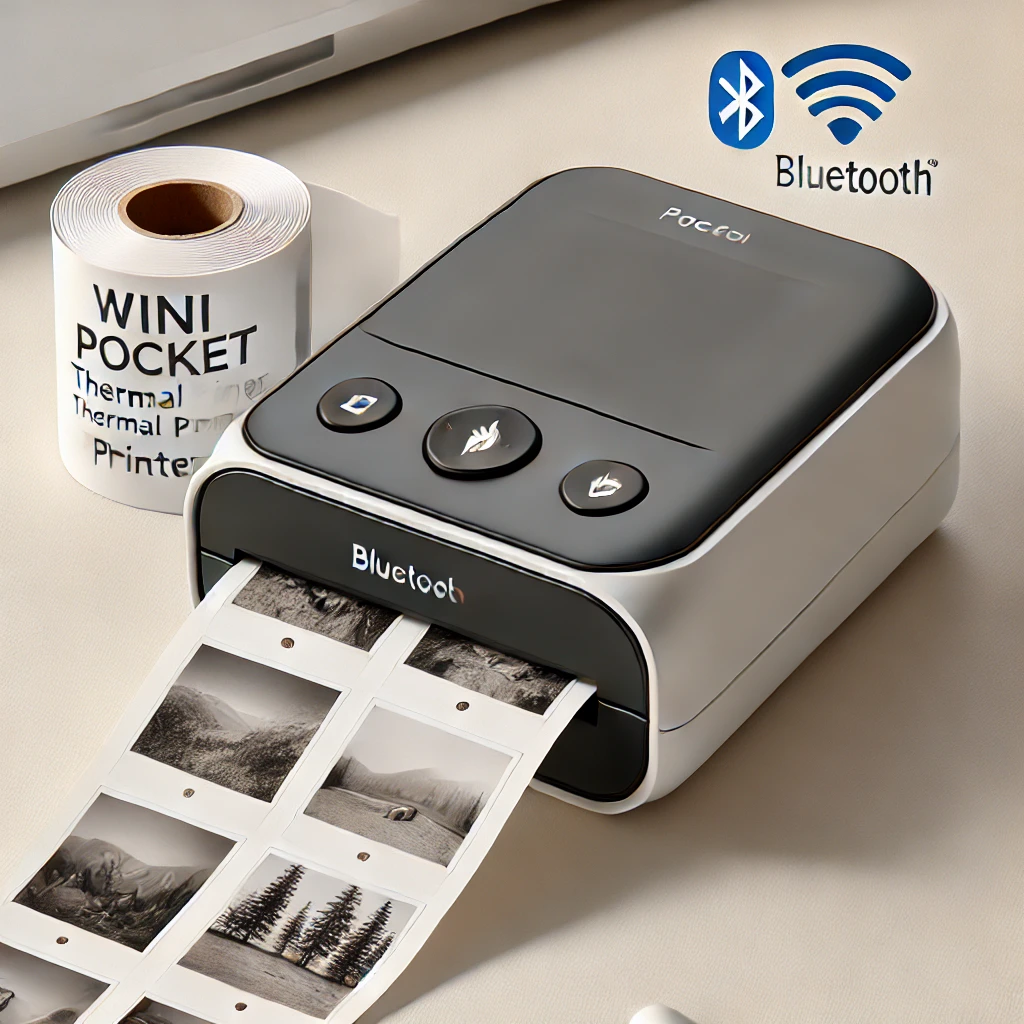
- Purpose: The smallest version of portable printers, often no bigger than a smartphone.
- Use Case: Great for quick, small-scale printing needs like receipts or instant photos.
- Features: lightweight, compact, and ideal for occasional or emergency printing.

Key Features of Mini Printers
To choose the best mini printer for your needs, consider the following features:
- Print Quality
- Look for high-resolution output, especially if printing images or photos. Print quality can vary widely depending on the printer type, with photo printers offering the highest resolution.
- Connectivity Options
- Mini printers often support Bluetooth, Wi-Fi, and USB connections, allowing compatibility with smartphones, tablets, and laptops.
- Battery Life
- Battery-powered mini printers offer true portability. Check the battery capacity and recharge time, especially if you need to print for extended periods.
- Printing Speed
- Print speed is crucial, especially for high-volume document printing. Portable document printers usually offer faster speeds than photo or label printers.
- Paper Compatibility
- Different mini printers support various paper sizes and types. Ensure the printer you select meets your specific paper needs, such as A4, photo paper, or label sheets.
Advantages of Mini Printers
- Portability and Convenience
Mini printers are designed for mobility. Their compact size and lightweight structure make them easy to carry and use anywhere.
- Versatile Printing Options
Many mini printers handle multiple media types, from standard paper to photo paper and labels, adding versatility to their functionality.
- Wireless Printing
Most mini printers allow wireless printing, making them highly convenient, especially in remote locations without a wired setup.
- Instant Printing for Photos and Documents
With instant photo printing, mini printers enable users to capture memories and print them out immediately at events and gatherings.
- Easy Setup and Use
Typically, mini printers are user-friendly, with simple apps and minimal setup requirements, making them accessible to all age groups.
Environmental Impact and Maintenance of Mini Printers
One of the practical advantages of many mini printers is their low maintenance and reduced environmental impact compared to traditional inkjet printers. Thermal mini printers, in particular, do not require ink cartridges or toner, which helps minimize plastic waste and lowers ongoing operating costs.
To extend the lifespan of a mini printer, users should keep the print head clean, use compatible paper recommended by the manufacturer, and avoid exposing the device to excessive heat, moisture, or dust. Regular charging of the rechargeable battery and proper storage when not in use also help maintain consistent performance.
Battery Life of Mini Printers
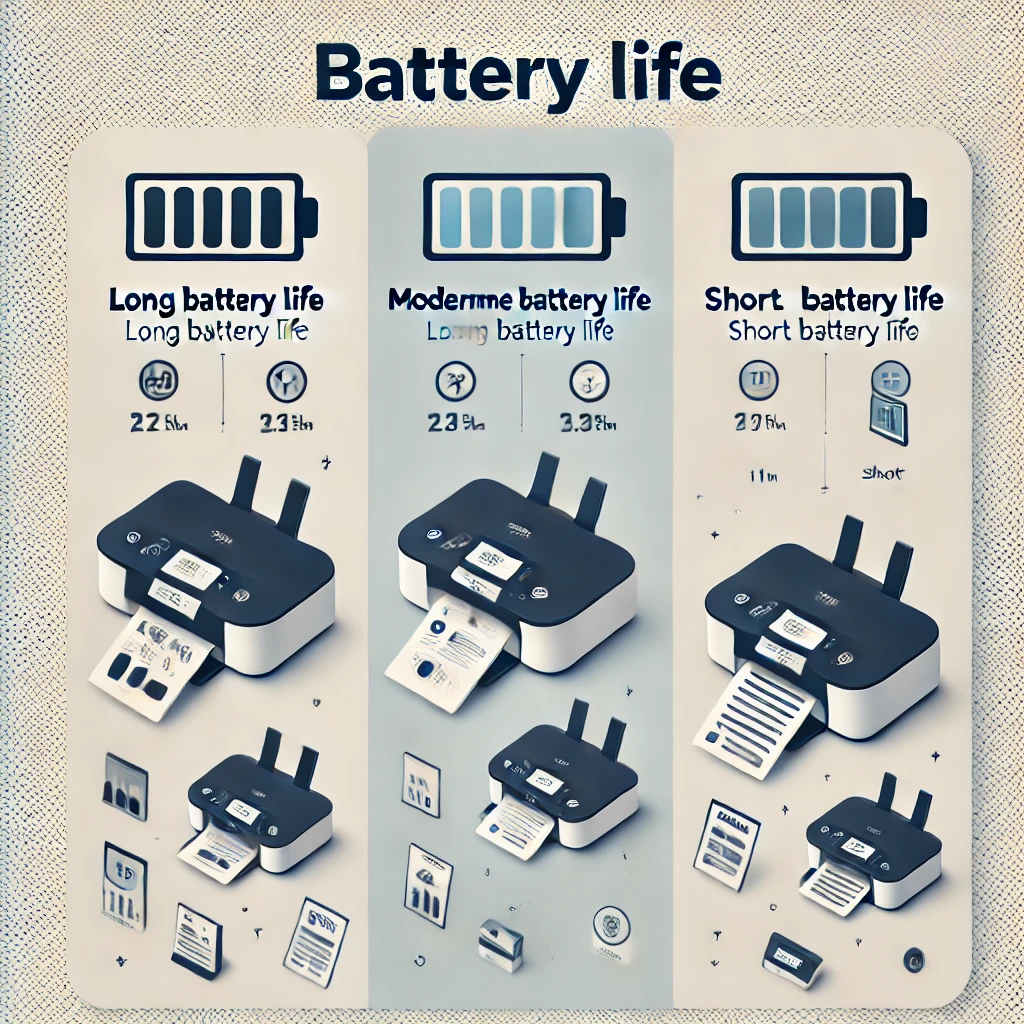
Battery life is an essential feature of mini printers, especially for users who travel frequently or work remotely. Here are a few considerations:
- Battery Capacity: Most portable printers are equipped with rechargeable lithium-ion batteries, offering several hours of operation on a single charge.
- Battery Life per Charge: A fully charged mini printer battery can typically print anywhere from 50 to 500 pages, depending on the model.
- Recharge Options: Some printers support USB charging, allowing users to recharge from a power bank, particularly useful for extended trips.
- Spare Batteries: Some high-end mini printers offer removable batteries, allowing users to carry spares for uninterrupted usage.
Printing Speed of Mini Printers
Printing speed is often measured in pages per minute (PPM) for document printers or prints per minute for photo printers. Key points to consider include:
- Portable Document Printers
Document printers can produce up to 10 PPM, depending on the model. These are optimized for quick, efficient document printing.
- Portable Photo Printers
Photo printers are typically slower, taking around 30 to 60 seconds per photo due to the high resolution required for image quality.
- Label Printers
Label printers vary widely, with some models producing several labels per minute, which is ideal for retail or inventory applications.
Popular Models of Mini Printers
Here are a few popular mini printer models known for their performance and features:
- HP OfficeJet 250
- Type: All-in-One Document Printer
- Features: Printing, scanning, and copying with Wi-Fi and Bluetooth. Great for professional use.
- Canon IVY Mini Photo Printer
- Type: Photo Printer
- Features: Compact, ZINK (zero ink) technology, Bluetooth connectivity, perfect for instant photo printing.
- Brother PocketJet PJ773
- Type: Thermal Document Printer
- Features: Slim, lightweight, ideal for travel, and supports A4 printing.
- Polaroid Hi-Print
- Type: Instant Photo Printer
- Features: Bluetooth, dye-sublimation technology for high-quality color photos.
- DYMO LabelManager 280
- Type: Label Printer
- Features: rechargeable, connects to computers via USB, great for labels and organization.
Conclusion
Mini printers provide an ideal solution for on-the-go printing needs, combining portability with powerful features. Whether you’re looking to print documents, photos, or labels, there is a mini printer to suit your needs.
You can find the perfect mini printer to enhance your workflow, travel experiences, or personal projects by considering the key features, battery life, printing speed, and specific types. There is more on this in Game Mechanics, Themes, and Payouts.
If you want to read an interesting article about it, explore our “Technology” category.
FAQs
A pocket printer is a small picture printer that lets you print your images instantly.
Without ink, how can small printers print?
Direct Thermal doesn’t require ribbons, ink, or toner. Instead, the printer applies pressurized heat to the thermal paper’s surface.
Perfect for organizations that need mobility, it’s portable and easy to utilize anywhere. Unsuitable for cost-effective and high-volume printing.
Many mini printers use thermal printing technology, which does not require ink cartridges, making them low-maintenance and cost-effective.
Most mini printers connect wirelessly through Bluetooth or Wi-Fi, allowing users to print directly from smartphones, tablets, or laptops.